
Trade
The trading process is the same for HpumpCore and HpumpEVM.
Step 1: Discover & Analyze Tokens
-
Stay Updated via Telegram
- Launch Alerts: Watch for new launch announcements in the Hpump Chat.
- One-Click Trading: In the alert message, click “Trade” to open the Trade Widget.
-
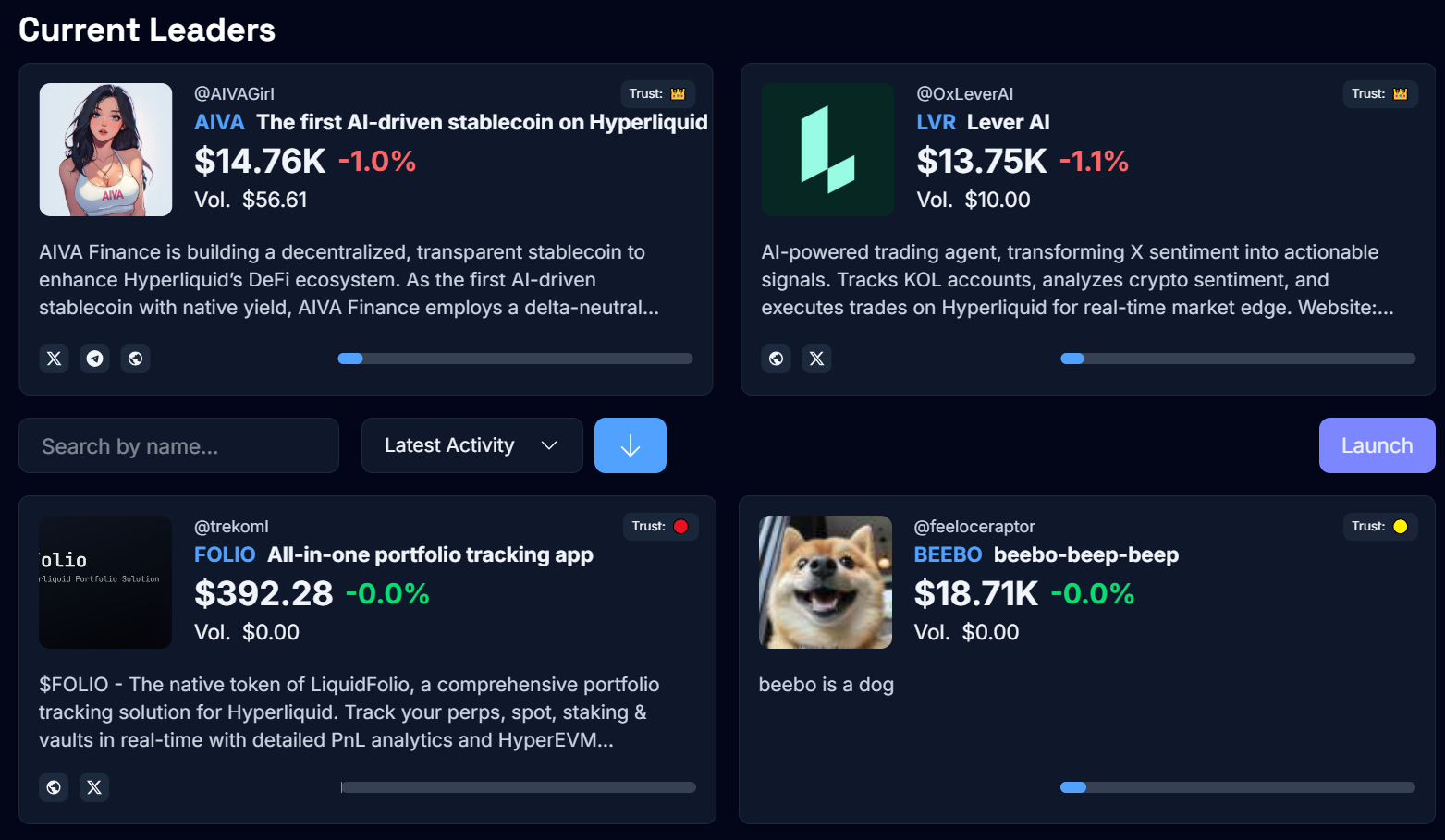
Explore the Hpump Dashboard
- Trust Factor Indicators: It's for informational purposes only and are determined based on predefined criteria.
- Creator Information: Verify the deployer’s reputation to gauge token reliability.
- Bonding Progress: Keep an eye on the TVL (Total Value Locked) and thresholds to know when a token is transitioning to Hyperliquid.
-
Engage in Token-Specific Chats
- Each token has a dedicated Telegram channel for direct community discussions.
- Use Key Commands:
- /info: View deployer details, top holders, and token supply.
- chart/price - Hpump Dashboard
- After reviewing these details, simply click “Trade” in the Telegram chat to jump back into the Trade Widget.
Step 2: Trade
A. Hfun Bot
-
Open the Launches List
- Use the /launches command to view tokens ranked by trading volume.
- Sorting Options: Filter by price change or market cap.
- Scroll Navigation: Quickly browse tokens to find your target.
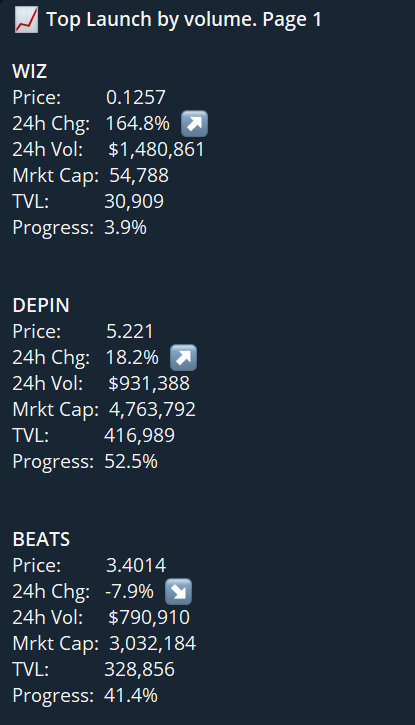
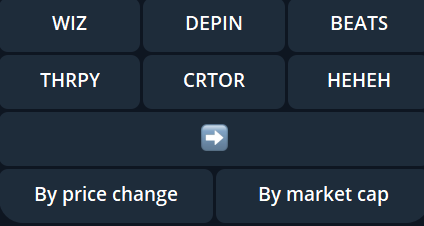
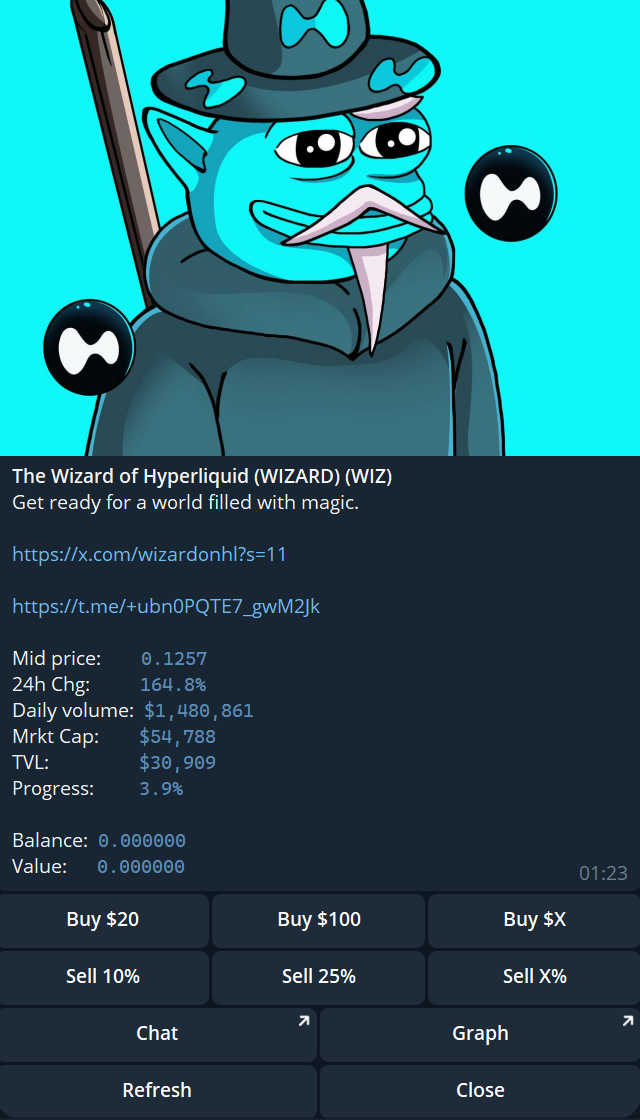
- Once you select a token (e.g., WIZ), you’ll see specific trading options:
-
Execute Your Trades
- Buy Tokens:
- Click “Buy $X” and specify the USDC amount (or use pre-set amounts).
- Sell Tokens:
- Click “Sell X%” to quickly choose a percentage of your holdings.
- Other Controls:
- Refresh: Updates token details (price, TVL, market cap).
- Close: Returns you to the main token list.
- Buy Tokens:
B. Hpump Dashboard
-
Select a token
-
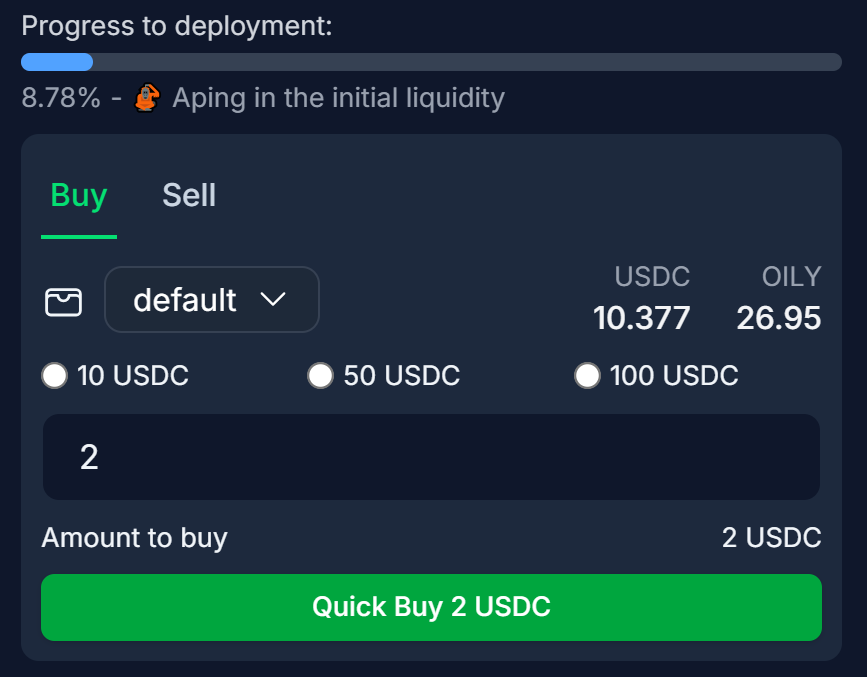
Execute Your Trades
Fees
A 1% fee is applied to all trades conducted through the Hpump Market. These fees are redirected to the HFUN Fees Receiver wallet.
The collected fees are exclusively used to purchase the HFUN token, supporting its ecosystem and value appreciation.