
Wallet Actions
The Wallet Actions section explains how to manage the Default Wallet, as well as deposits, withdrawals, and fund recovery in Hypurr Fun.
Set a Default Wallet
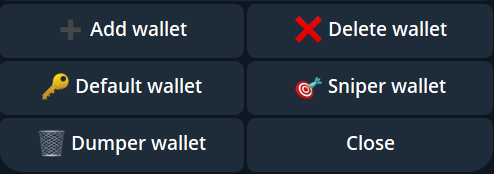
Designate a Default Wallet using the /wallets command. This wallet will be used for all your key actions, including transfers, withdrawals, spot trading, and PnL reports.
Additionally, you can set different default wallets for specific plugins:
- Sniper Plugin: For executing sniping actions.
- Dumper Plugin: For managing efficient token sales.