
Withdraw
Withdraw funds from your wallet via the Arbitrum network or transfer tokens within the Hyperliquid network.
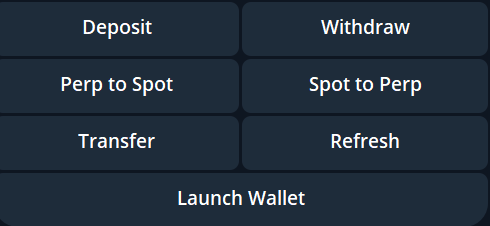
Arbitrum Withdrawals
- Open the Wallet widget using
/spotwalletand press the "Withdraw" button. - Enter the Arbitrum wallet address (⚠️ Recommended to use a wallet you control, not an exchange wallet).
- Enter the USDC amount you wish to withdraw. Note: The Hyperliquid bridge takes a 1 USDC fee per transaction.
- Confirm the withdrawal by sending a "YES" message or your 2FA code (if enabled).
Hyperliquid Transfers
- Open the Wallet widget using
/spotwalletand press the "Transfer" button. - Select the token (all SPOT tokens are supported).
- Enter the wallet address to transfer to (⚠️ DO NOT transfer to an exchange wallet; Hyperliquid isn’t supported on any CEX).
- Enter the token amount you wish to transfer.
- Confirm the transfer by sending a "YES" message or your 2FA code.
Note: Transfers to a non-existing Hyperliquid wallet incur a 1 USDC account creation fee.
Note Additionally:
- Tokens in the Launch Wallet (
/launchwallet) cannot be withdrawn to your personal wallet. To recover the value, you will need to sell the tokens first. - All operations (withdrawals, transfers) are performed on the Spot wallet. If your funds are on Perpetual, you must transfer them to Spot using the corresponding button in the wallet widget.